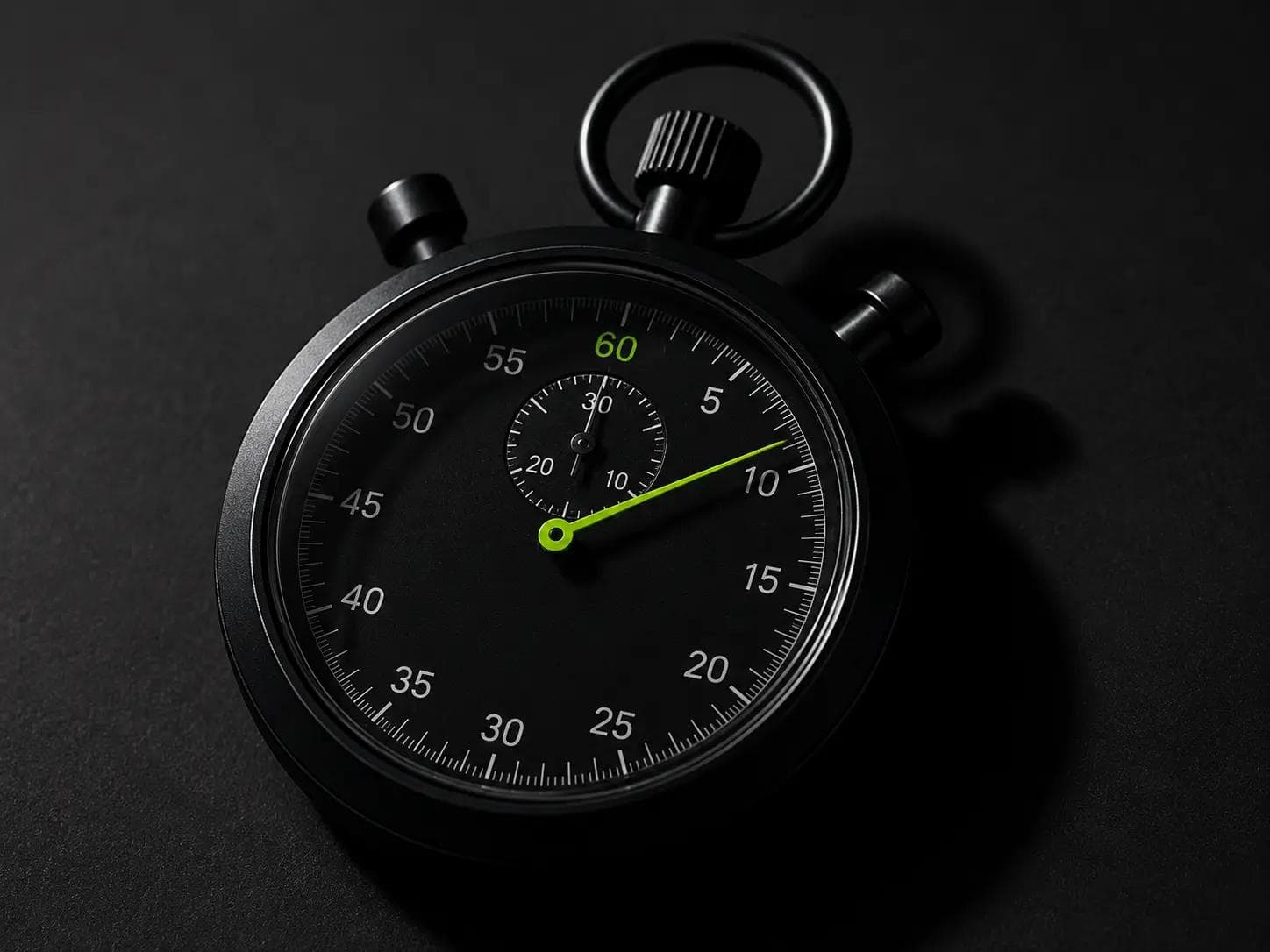

The 4-Second Threshold Is Not Arbitrary
Google's own research — conducted across billions of mobile page loads — established a clear behavioral cliff: when a page takes more than 4 seconds to load, the probability of a user bouncing increases by over 90% compared to a 1-second load time.
This is not a UX guideline. It's a revenue model.
Every second between your server responding and your user seeing meaningful content is a second in which they're deciding whether your site deserves their attention. In 2026, with an average mobile user carrying the conditioning of years of instant-loading native apps, 4 seconds is not patience — it's abandonment.
At Safi Dot Tech, our performance target is unambiguous: sub-4-second load times on real-world mobile connections, with Lighthouse performance scores between 89 and 100. We don't treat these as aspirational benchmarks. We treat them as delivery requirements.
""Your website's load time is a first impression. And in business, you rarely get a second one at 5 seconds."
Why Performance Is Now an SEO Ranking Factor — Not Just a UX Nice-to-Have
Google made the connection official: Core Web Vitals became a confirmed ranking signal in 2021, and their weight in ranking algorithms has increased meaningfully every year since. In 2026, performance is not a bonus — it is table stakes for competitive organic search positions.
Here's the direct mechanism:
- Poor Core Web Vitals → lower Page Experience score → reduced likelihood of surfacing in competitive SERP positions
- Strong Core Web Vitals → positive Page Experience signal → ranking support in otherwise close competitive matchups
- Speed at scale → lower crawl budget waste → Google indexes more of your content more frequently
The sites ranking at positions 1–3 for competitive commercial keywords in 2026 are almost universally high-performance sites. This is not coincidence.
Understanding Core Web Vitals in 2026
Google's Core Web Vitals are the three metrics that quantify real-user experience at a technical level. Here's what they measure and why they matter for your business:
LCP — Largest Contentful Paint
What it measures: How long it takes for the largest visible element on the page — usually a hero image or heading — to render.
Target: Under 2.5 seconds (Good range).
Why it matters: LCP is the moment your user perceives the page as "loaded." A high LCP means they're staring at a loading spinner while your competitors' pages have already rendered above the fold.
Common causes of poor LCP:
- Unoptimized images served without modern formats (WebP, AVIF)
- Render-blocking CSS or JavaScript in the
<head> - Slow Time to First Byte (TTFB) from underperforming hosting or unoptimized server responses
- No
preloadhints for above-the-fold critical resources
INP — Interaction to Next Paint
What it measures: The latency between a user interaction (click, tap, key press) and the browser's next visible response.
Target: Under 200ms (Good range).
Why it matters: INP replaced FID (First Input Delay) as Google's responsiveness metric in March 2024. Unlike FID, which only measured the first interaction, INP measures the worst interaction across the entire page lifecycle. A slow INP means your interface feels sluggish and unresponsive — a direct signal of JavaScript execution problems.
Common causes of poor INP:
- Long JavaScript tasks blocking the main thread
- Unoptimized event handlers without debouncing or throttling
- Third-party scripts (analytics, chatbots, ad tags) running synchronously
- React hydration costs on large client-side component trees
CLS — Cumulative Layout Shift
What it measures: Visual stability — how much the page layout shifts unexpectedly during loading.
Target: Under 0.1 (Good range).
Why it matters: CLS is the metric users feel most viscerally. It's the experience of going to click a button and having it jump as an image loads, causing you to click the wrong thing. It's infuriating. And it signals to Google that your page is delivering a poor user experience.
Common causes of poor CLS:
- Images without explicit
widthandheightattributes - Late-loading ads or embeds without reserved space
- Web fonts causing text to reflow on load (FOIT/FOUT)
- Dynamically injected content above existing page elements
The Safi Dot Tech Performance Stack
Achieving and maintaining Lighthouse scores between 89 and 100 on production builds requires systematic engineering, not one-time optimization. Here's the layered approach we use on every build:
Layer 1: Build-Time Optimization
- Next.js Image Component with automatic format selection (AVIF → WebP → JPEG fallback), lazy loading by default, and blur placeholder generation
- Turbopack (stable in Next.js 16) for dramatically faster build times and better tree-shaking than Webpack
- Tailwind v4 with lightning CSS for zero-runtime styling — no JavaScript required to apply design tokens
- Static generation for all content that doesn't require real-time data — Sanity CMS content is pre-rendered at build time via ISR (Incremental Static Regeneration)
Layer 2: Delivery Optimization
- Edge network deployment via Vercel's global CDN — content served from the nearest edge node to each user, reducing TTFB to under 50ms in most regions
- HTTP/3 and Brotli compression enabled at the CDN layer
- Critical CSS inlining for above-the-fold styles, eliminating render-blocking stylesheets
- Resource hints —
preload,prefetch, andpreconnect— configured per page template based on resource priority
Layer 3: Runtime Optimization
- React Server Components for data-fetching components — zero client-side JavaScript shipped for read-only UI
- Streaming with Suspense — progressive rendering that shows content as it becomes ready, dramatically improving perceived performance
- Third-party script management via Next.js
<Script>component withstrategy="lazyOnload"for non-critical scripts - Font optimization via
next/fontwithdisplay: swapand preloaded font subsets
Layer 4: Monitoring and Regression Prevention
- Lighthouse CI integrated into every GitHub pull request — performance regressions block merge
- Real User Monitoring (RUM) via Vercel Analytics or Datadog to track field CWV data from actual users
- Monthly performance reviews comparing lab scores (Lighthouse) against field data (CrUX)
What a Sub-4-Second Site Is Worth in Real Revenue
Let's make this concrete with data from our client engagements and published industry research:
- A 1-second improvement in load time correlates with a 7% increase in conversion rate (Akamai, Deloitte study, cited broadly in performance literature)
- E-commerce sites that reduced LCP from 4.5s to 2.2s have seen bounce rate reductions of 25–40% in controlled before/after measurements
- For a business generating $50,000/month in online revenue, a 10% conversion improvement from performance optimization is $5,000/month — or $60,000 annually
The performance investment pays for itself. Usually within the first quarter.
Your Lighthouse Score Is a Vanity Metric — Until It Isn't
Here's a nuance we're honest about with every client: a perfect 100 Lighthouse score in a lab environment (Chrome DevTools, fast desktop connection) is not the same as a fast experience for your actual users.
Real performance is measured in field data — what the 75th percentile of your actual users experience on their actual devices and connections. A Lighthouse score of 89–100 in lab conditions is our minimum bar because it correlates strongly with good field performance. But we always validate against CrUX (Chrome User Experience Report) data before declaring a build production-ready.
This distinction matters because some "performance optimization" services will tune a site specifically to score well in Lighthouse without improving the actual user experience. We don't do that.
Is Your Website Slow? Find Out in 2 Minutes.
Run your URL through Google PageSpeed Insights (pagespeed.web.dev). If your mobile score is below 70, or your LCP is above 3 seconds, you have a quantifiable performance problem that is costing you both rankings and revenue.
If you want a deeper diagnosis — one that maps performance gaps to specific technical causes and estimates the revenue impact of fixing them — that's what our Performance Audit engagement delivers in one week.
Speed is not a luxury feature. In 2026, it's the foundation everything else is built on.